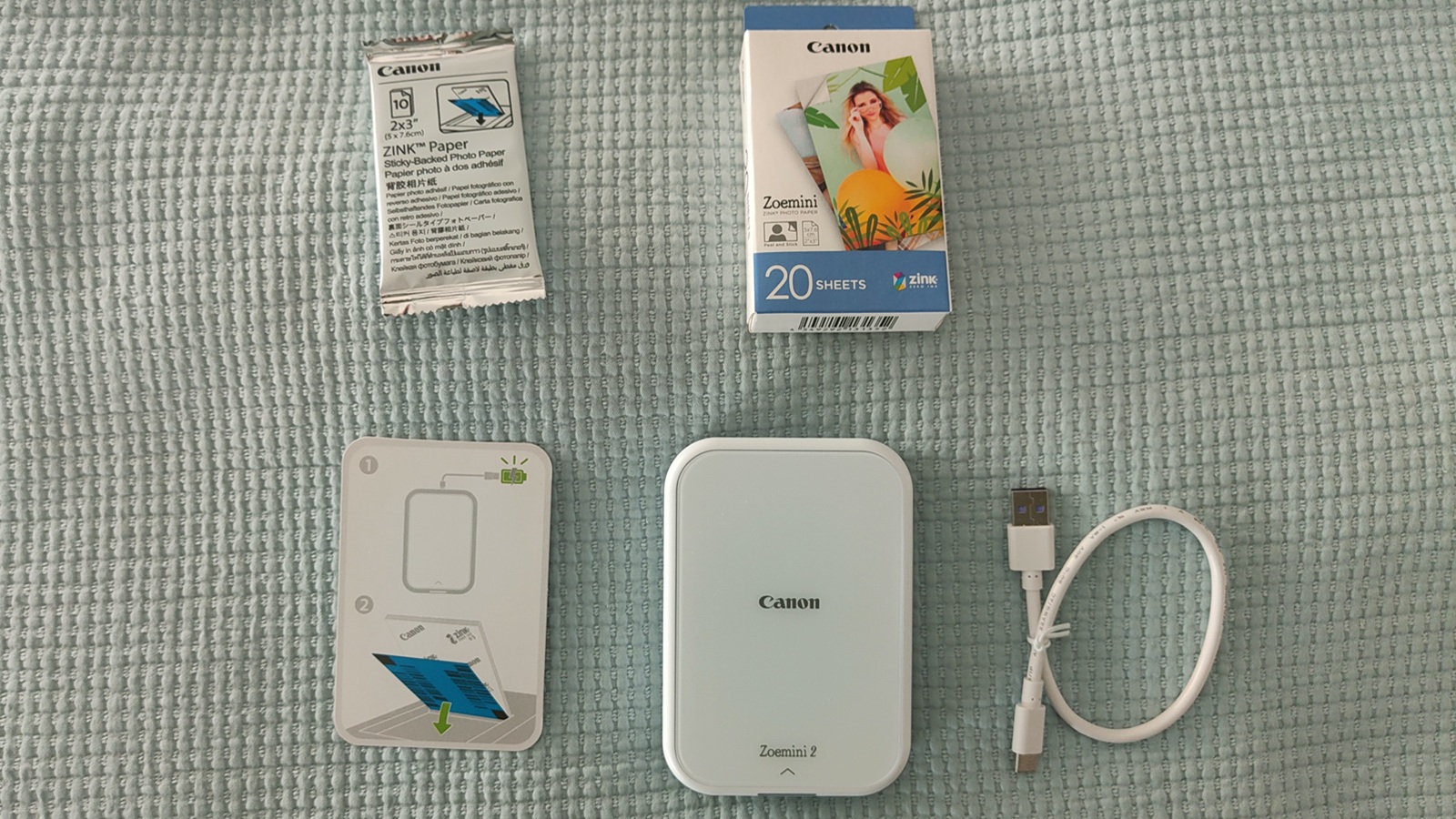
Today, the market demands immediacy and personalization to connect with customers, especially in small businesses and freelancers. That’s why, at MuyPymes, we tested a different (and surprising) technology solution: the portable photo printer Canon Zoemini 2.
This isn’t just a simple portable photo printer; it’s a tool that can be integrated into marketing strategies, customer service, or even into internal creative workflows for smaller, but more innovative businesses.
Design and portability: built to be carried with you
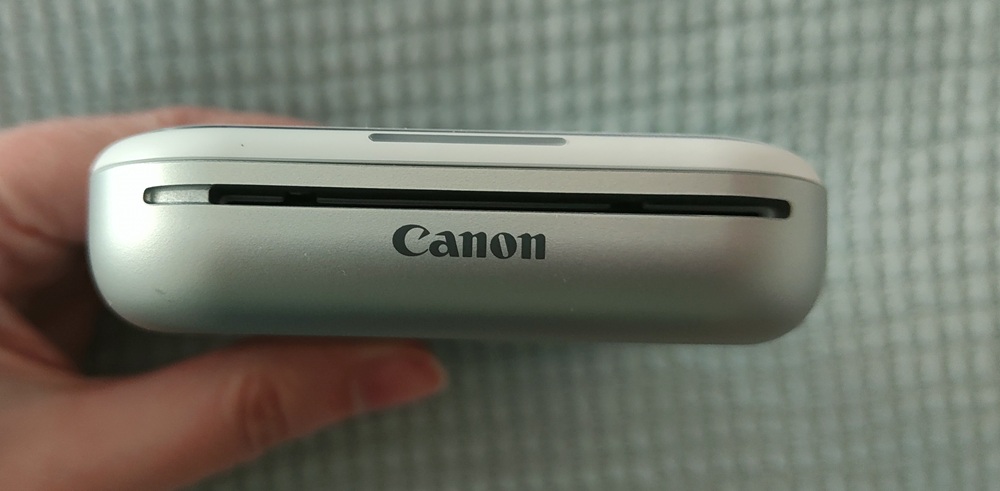
One of Canon’s biggest wins with this model is its clearly mobile focus. The Zoemini 2 is compact, lightweight, and easily portable in any backpack or bag. With a minimalist, modern design, available in several colors, it conveys a polished image that fits well in professional settings where aesthetics also communicate the brand.
For freelancers who work at events, trade shows, or even brick-and-mortar retail, this portability is key. Being able to print content on the spot, without relying on more complex infrastructures, brings agility and enhances the customer experience.
Additionally, it runs on a USB-C rechargeable battery, which makes it easy to use on the go and removes reliance on outlets—a detail particularly useful in scenarios like pop-up stores or roaming trade shows.
ZINK technology: inkless simplicity
The Zoemini 2 uses ZINK technology (Zero Ink), meaning it does not require ink cartridges. Instead, it uses special paper that embeds color in its own structure. This approach reduces maintenance and removes one of the main pain points of traditional printers: managing consumables.
From a business perspective, this translates to:
- Lower operational complexity
- Lower indirect costs (time, logistics)
- Greater reliability for occasional or high-demand use
That said, the cost per print is higher than with conventional printers, something to consider if you plan heavy usage.
Print quality: sufficient for marketing and branding
The print quality of the Zoemini 2 is clearly geared toward social and creative use rather than professional photography. Images are small (2×3 inches) with accurate colors, though not highly precise compared with high-end solutions.
However, this “limit” isn’t necessarily a problem for the target audience. For SMBs and freelancers, the value lies in:
- Creating personalized keepsakes for customers
- Generating immediate promotional material (stickers, event photos)
- Supporting real-time branding initiatives
The adhesive paper adds a significant differentiating value. It allows turning every print into a sticker, especially appealing in sectors like hospitality, retail, tourism, or events.
User experience: app as control hub
The printer is managed through the Canon Mini Print mobile app, available on iOS and Android. Bluetooth connectivity enables quick pairing with smartphones, which remains the main work device in many professional settings today.
The app lets you edit images (filters, text, frames), create collages, and print directly from social networks or cloud storage.
This point is key from a business standpoint. The Zoemini 2 isn’t just hardware; it’s an extension of the user’s digital ecosystem. It enables moving from digital content to physical in seconds, opening interesting possibilities for omnichannel strategies.
Use cases for SMBs and freelancers
Beyond the obvious, this printer has concrete applications that can deliver real value:
- Events and trade shows. Instant printing of branded photos for visitors. Improves the experience and creates a brand memory.
- Retail and physical stores. Delivery of personalized photos or promotions in sticker format. Strengthens the customer relationship.
- Hospitality and tourism. Hotels, restaurants, or tour guides can offer immediate physical keepsakes.
- Content creators and marketing. Influencers or small businesses can materialize their digital content into physical assets for campaigns.
- Education and training. Use in workshops, creative activities, or team-building sessions.
Limitations to consider
Not everything is an advantage. There are some aspects worth weighing before adding it to a professional environment:
- Cost per print: relatively high compared to traditional printers.
- Limited quality: for demanding photographic uses.
- Dependence on ZINK paper, which requires stocking.
- Moderate print speed, suitable for low to medium volumes.
In other words, it does not replace a conventional printer, but rather complements it in specific scenarios.
Ultimately, the Canon Zoemini 2 isn’t aimed at professional printing competition; instead, it opens a new way for businesses to interact with customers. In this sense, its value lies in the experience it creates, not in pure technical quality.
For SMBs and freelancers looking to differentiation, offering something tangible and emotionally connecting with their audience, this printer can be a compelling investment. Especially at a moment when physical experiences are regaining relevance as a complement to digital.
Its success will ultimately depend on how well it’s integrated into the business strategy. It’s not a device for everyone, but in the right context it can become a creative tool with a direct impact on brand perception and customer loyalty.